
MDX Stack Cards
V2.1.0A physics-based swipeable card stack for Framer that transforms static content into tactile, endlessly browsable decks for product showcases, onboarding, testimonials, portfolios, editorial content, and more.
Overview
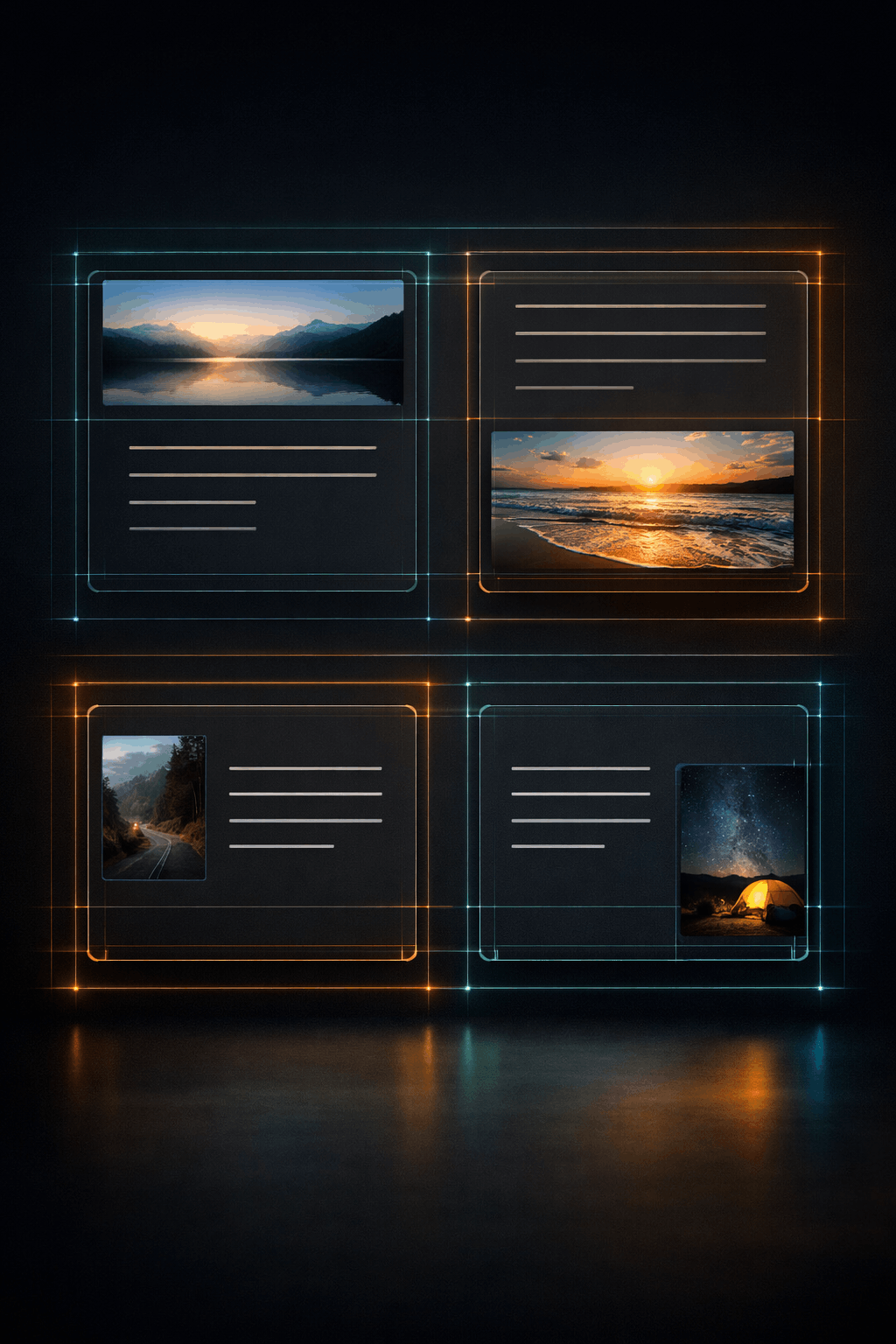
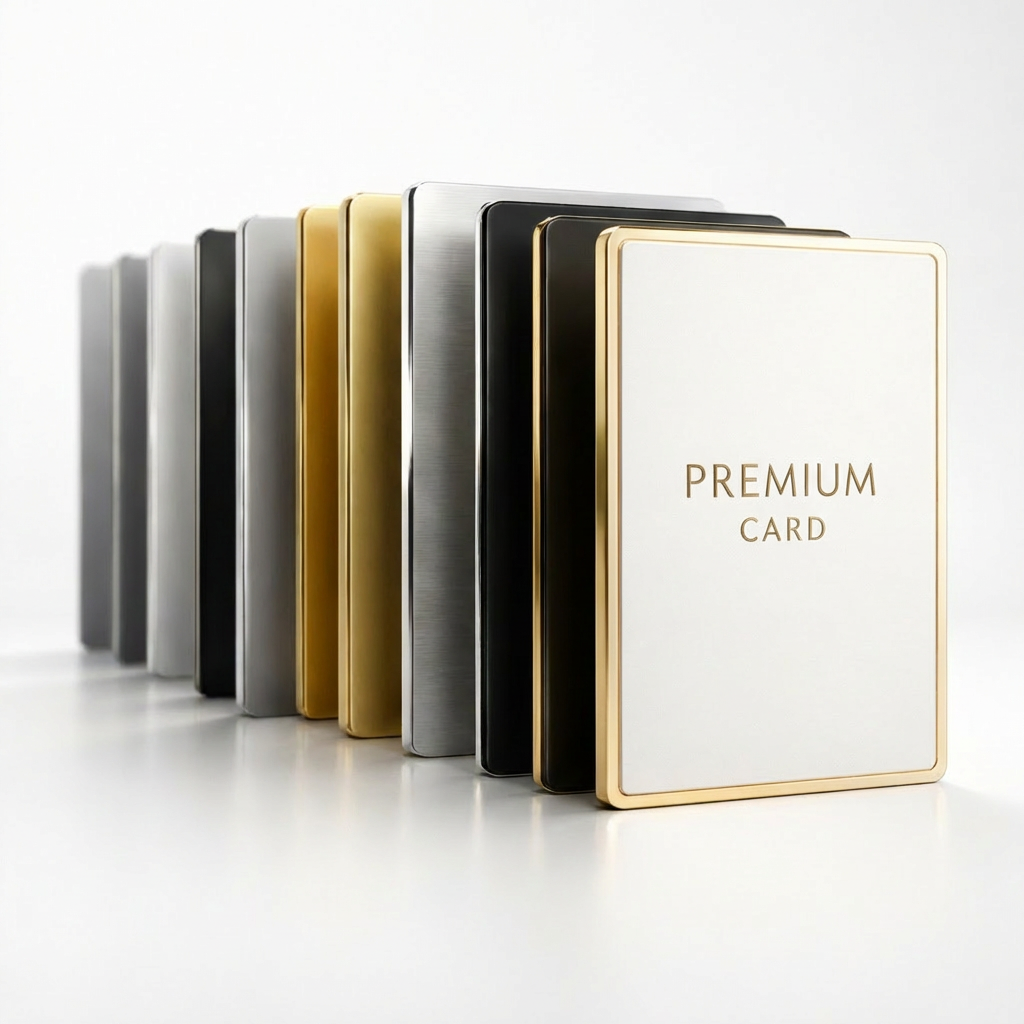
MDX Stack Cards is a production-ready Framer component that arranges independently configurable cards into a layered, interactive stack. The top card responds to drag gestures in all four directions. Once the drag crosses the responsive swipe threshold, the card exits with natural inertia and the next card settles into place with a spring transition.
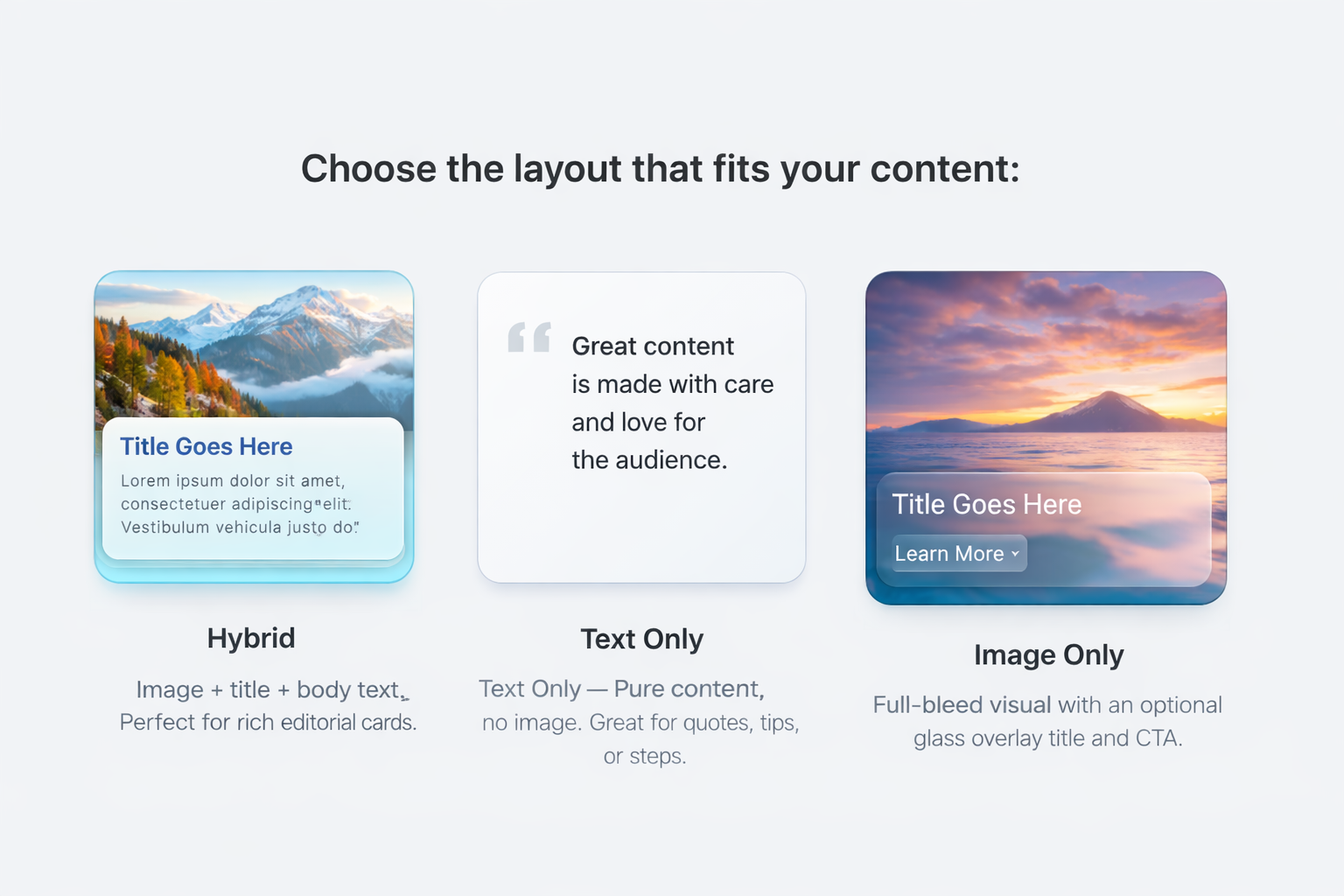
The deck loops endlessly and supports Hybrid, Text Only, and Image Only cards in the same stack. Each card can carry its own image treatment, formatted body content, and optional CTA. The component is built exclusively for Framer using Framer Motion, native property controls, and Framer theme infrastructure, with no external setup required.
Commerce
Product Showcases
Feature one product per card with imagery, supporting copy, and an optional CTA to the product page.
Product
Onboarding Flows
Walk users through features or processes step by step using tactile cards that can be revisited through the endless loop.
Marketing
Testimonials & Social Proof
Present one testimonial per card with portrait imagery, reviewer information, and focused supporting copy.
Portfolio
Case Studies
Surface individual projects with visual context, concise descriptions, and links to full case studies.
Publishing
Editorial & Blog Highlights
Turn recent articles, summaries, and pull quotes into an intentional swipe-driven browsing experience.
Team
Team Introductions
Present team members with portrait imagery, role information, short bios, and optional profile links.
Support
FAQ & Quick Tips
Use Text Only cards to create a natural card-deck interaction for questions, answers, and quick guidance.
Events
Conference Programmes
Present sessions or speakers individually with imagery, schedule information, descriptions, and section navigation.
Features Stage
🖐️
Four-Direction Swipe Physics
Drag the active card left right up or down with responsive threshold detection natural inertia and physics-driven fly-off exits.
Properties Gadget
User Guide
Step 1 of 1010%
Add MDX Stack Cards:
Add the component from the Framer Marketplace and drag it from the Assets panel onto the canvas. The included onboarding deck is interactive immediately.
Turn Static Content Into a Tactile Deck
MDX Stack Cards combines physics-driven swipe interaction, flexible card types, per-card media and CTA controls, theme-aware rendering, and designer-focused editing tools in one production-ready Framer component.
✓ Natural four-direction swipe interaction with endless looping
✓ Hybrid Text Only and Image Only cards in one deck
✓ Precise per-card image control and navigation actions
✓ Solo Design Mode for frictionless card-by-card editing
✓ Responsive accessible and SSR-safe Framer implementation
FAQ
Get MODAX Releases First
Early access to components, templates, and plugins — plus exclusive freebies and limited-time discounts.